
PowerShell/SCSM - Finding the GUID of an object
This post was published in 2014 and may be outdated.
 Retrieving the GUID of an object in SCSM using PowerShell is sometime a bit challenging. For the WorkItems, this piece of information is not present in any Property available, you have to invoke the get_id method to retrieve it.
There is an ‘ID’ property which is misleading, it contains the number of the request, for example IR123456.
And for some other type of objects, such as the DomainUser or Enumeration objects the GUID is the….. ID property.
Note: I’m using the module SMlets, available here: https://github.com/SMLets/SMLets
Getting the GUID for a WorkItem
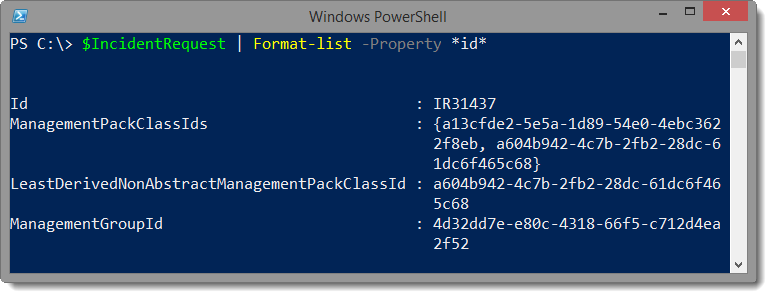
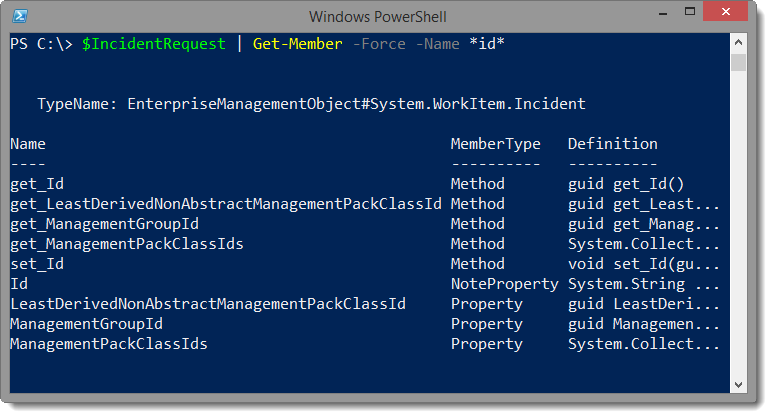
If you look at the property of an Incident for example, you will notice that there is no property that contains the GUID
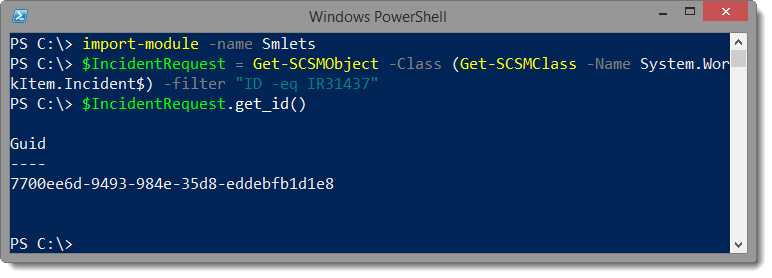
 You will have to use the method get_id() to retrieve this information
Incident Request
# Get a specific Incident Request
$IncidentRequest = Get-SCSMObject -Class (Get-SCSMClass -Name System.WorkItem.Incident$) -filter "ID -eq IR31437"

# Getting the GUID of this Work Item
$IncidentRequest.get_id()
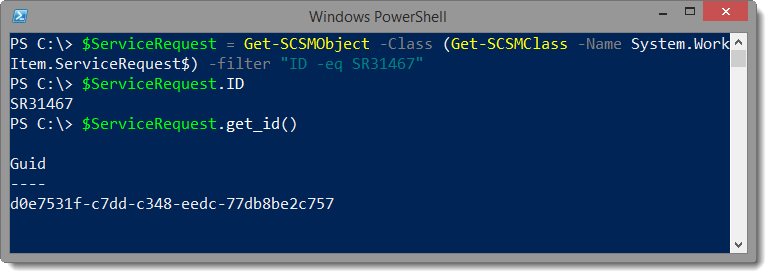
Service Request
# Get a specific Service Request
$ServiceRequest = Get-SCSMObject -Class (Get-SCSMClass -Name System.WorkItem.ServiceRequest$) -filter "ID -eq SR31467"

# Getting the GUID of this Work Item
$ServiceRequest.get_id()
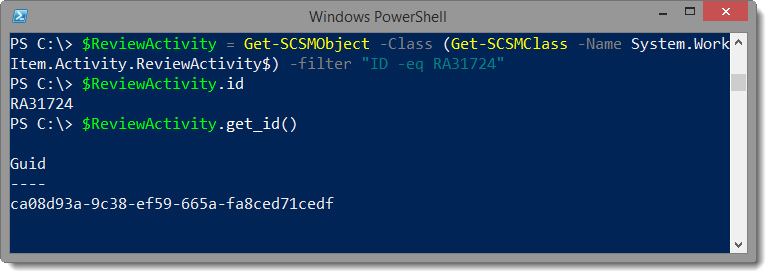
Review Activity
# Get a specific review activity
$ReviewActivity = Get-SCSMObject -Class (Get-SCSMClass -Name System.WorkItem.Activity.ReviewActivity$) -filter "ID -eq RA31724"

# Get the GUID of this Work Item
$ReviewActivity.get_id()
ManualActivity
# Get a specific manual activity
$ManualActivity = Get-SCSMObject -Class (Get-SCSMClass -Name System.WorkItem.Activity.ManualActivity$) -filter "ID -eq MA45345"

# Get the GUID of this Work Item
$ManualActivity.get_id()
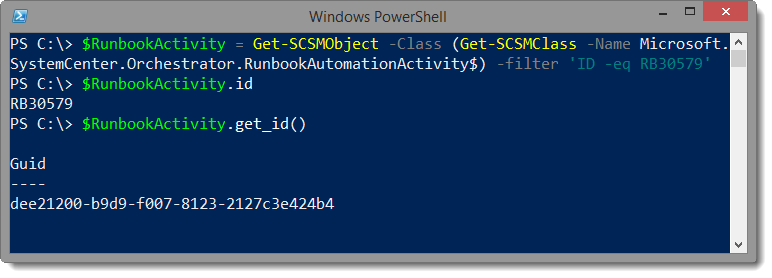
Runbook Activity
# Get a Runbook Activity
$RunbookActivity = Get-SCSMObject -Class (Get-SCSMClass -Name Microsoft.SystemCenter.Orchestrator.RunbookAutomationActivity$) -filter 'ID -eq RB30579'

# Retrieve the ID property
$RunbookActivity.id

# Retrieve the GUID
$RunbookActivity.get_id()
Getting the GUID for other objects
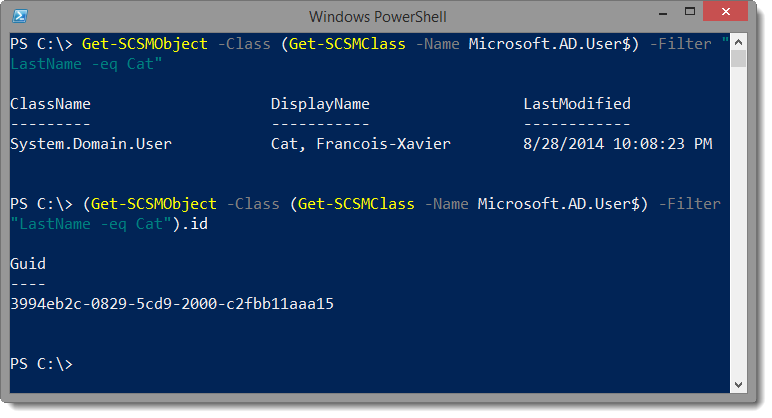
Domain User
# Query a Domain User from the CMDB
$DomainUser = Get-SCSMObject -Class (Get-SCSMClass -Name Microsoft.AD.User$) -Filter "LastName -eq Cat"

# Get the GUID of this CI
$DomainUser.id
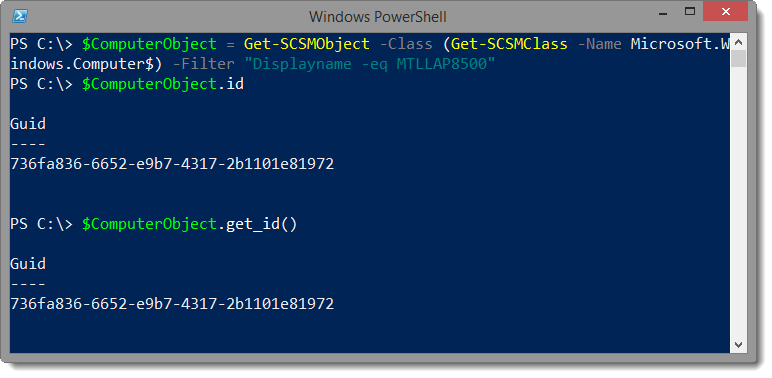
Domain Computer
# Get a computer object from the CMDB
$ComputerObject = Get-SCSMObject -Class (Get-SCSMClass -Name Microsoft.Windows.Computer$) -Filter "Displayname -eq MTLLAP8500"

# Retrieve the ID
$ComputerObject.id

# Retrieve the ID using the Get_ID() method.
$ComputerObject.get_id()
Leave a comment